 Setup Runway
Table of contents
Approximately 2 minutes to complete setup steps.
This is the setup guide for Runway API. A Runway account and a useapi.net subscription are required for the API to work.
Create Runway account
You need a Runway account. Create a new account if you don’t have one already.
Please note even if you have an existing Runway account we are strongly recommending creating a separate Runway account specifically designated to be used with useapi.net API.
You can start with a free Runway account and upgrade to a paid account once you feel comfortable with the API offerings.
For free Runway accounts, the following feature is unlocked with this third-party API:
- Unlimited number of Frames Describe generations
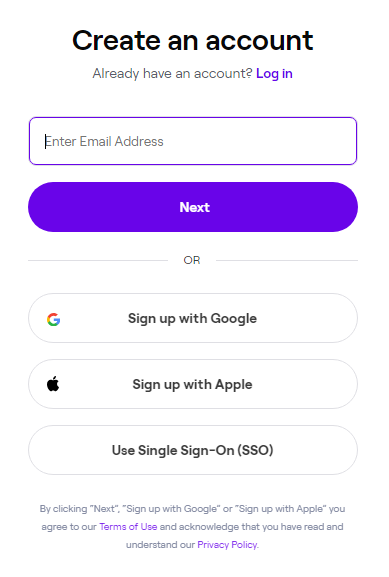
When creating a new account, choose the email option. The API will not work with accounts created using Sign up with Google, Sign up with Apple, or Use Single Sign-On (SSO) options.
Configure API
Now that you have a Runway account, configure it for API access using POST /accounts/email. You will need your email and password. You should receive response 200 if successful.