Google Flow Agent Live Demo
October 16, 2026
A complete Google Flow Agent chat client in plain HTML, CSS and JavaScript, running full screen on its own page and on phones. Paste your API token, press Connect and pick a Google Flow account. Chat with the agent as its answer streams in, see the images and videos it makes right in the conversation, attach your own media, approve what it wants to spend, and change its settings. Your token stays in the browser and goes only to api.useapi.net.
Open the Google Flow agent demo
Get the source on GitHub: the same five small files, with no framework, no build step and no dependencies, and a README that maps every feature to its API call. The Agent overview covers the API itself.
Prefer an AI assistant? The hosted Google Flow MCP server gives Claude Code, Cursor and VS Code the same chat as 12 tools.
Screenshots
Taken on the live demo with a real account, with Nano Banana 2.1 for images and Veo 3.1 Lite for video.
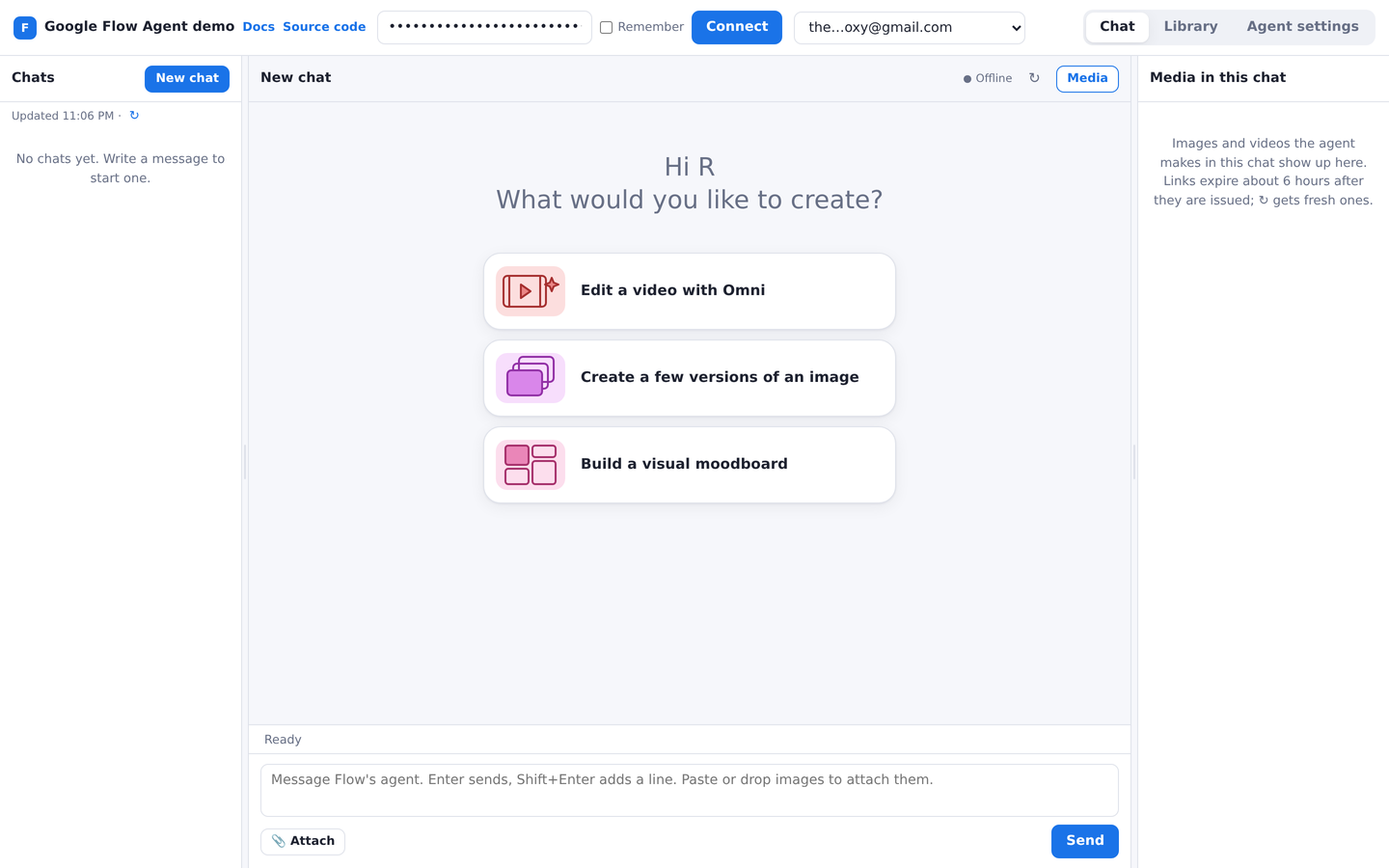
1. A new chat greets you and offers three starter cards.
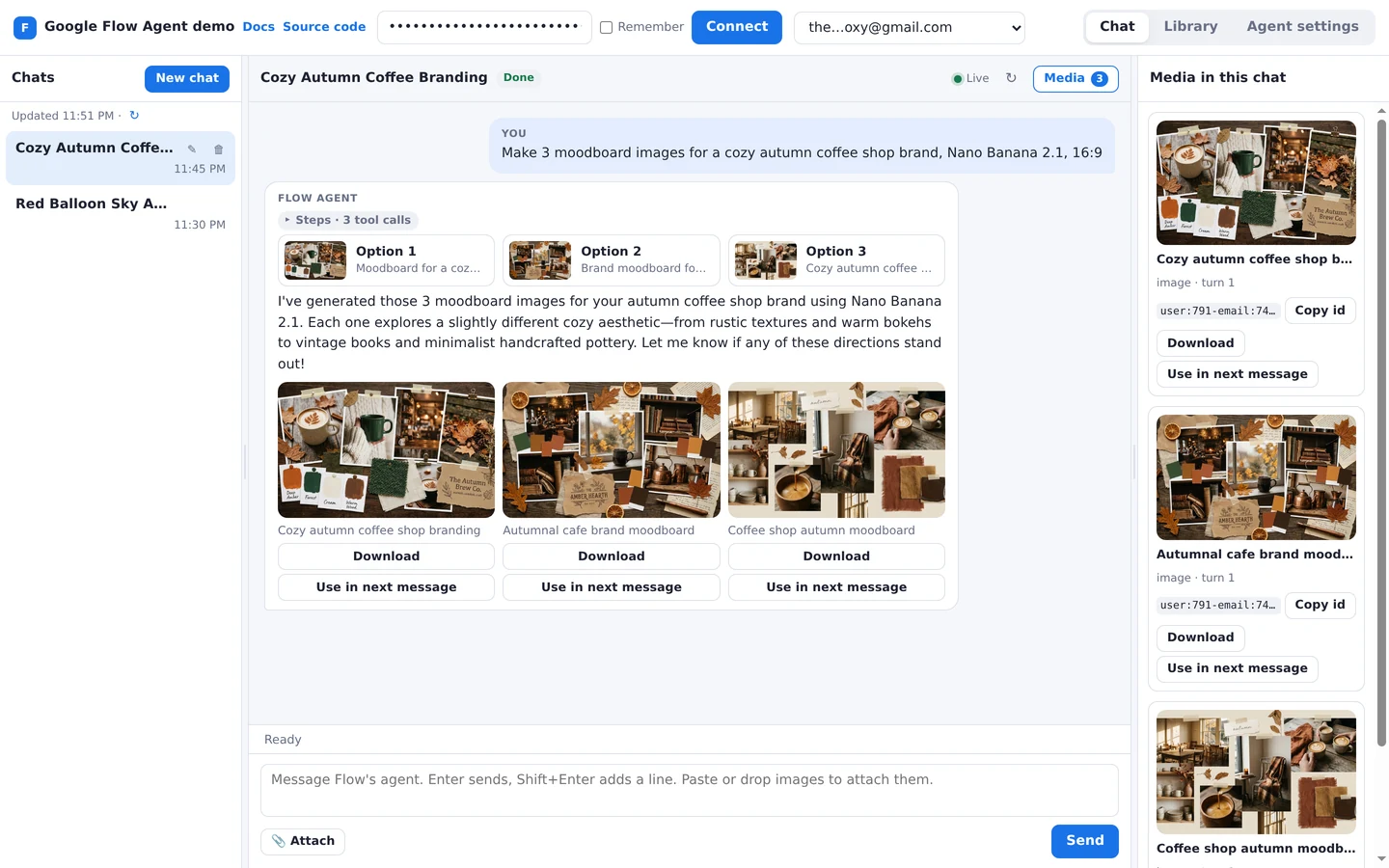
2. The agent’s images appear inline, with Download and Use in next message. Its tool calls sit in the collapsed Steps toggle.
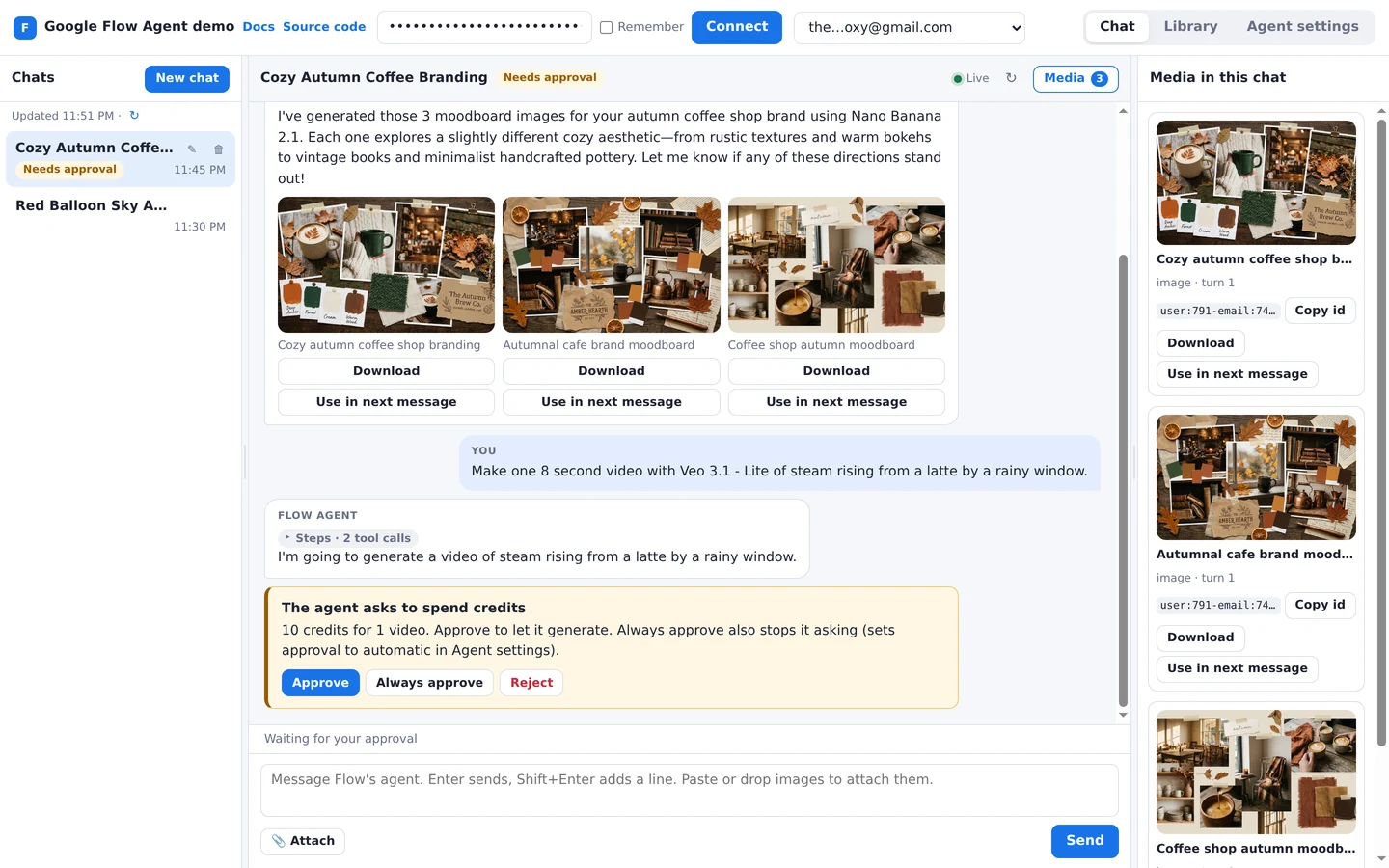
3. Before it spends credits, the agent asks for approval.

4. Click a result to see it full size.
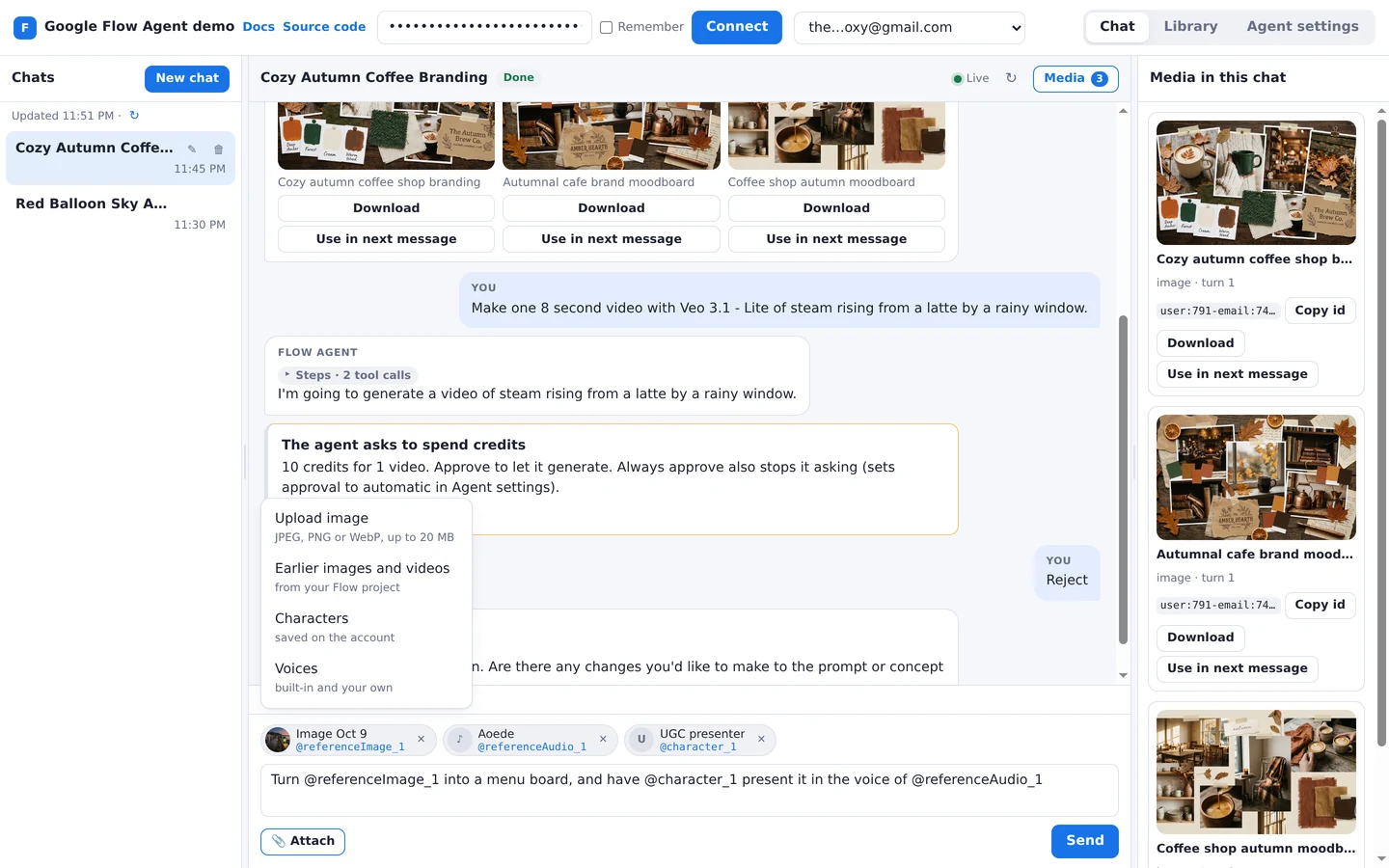
5. Attach uploads, earlier images and videos, characters and voices, each with its @-mention.
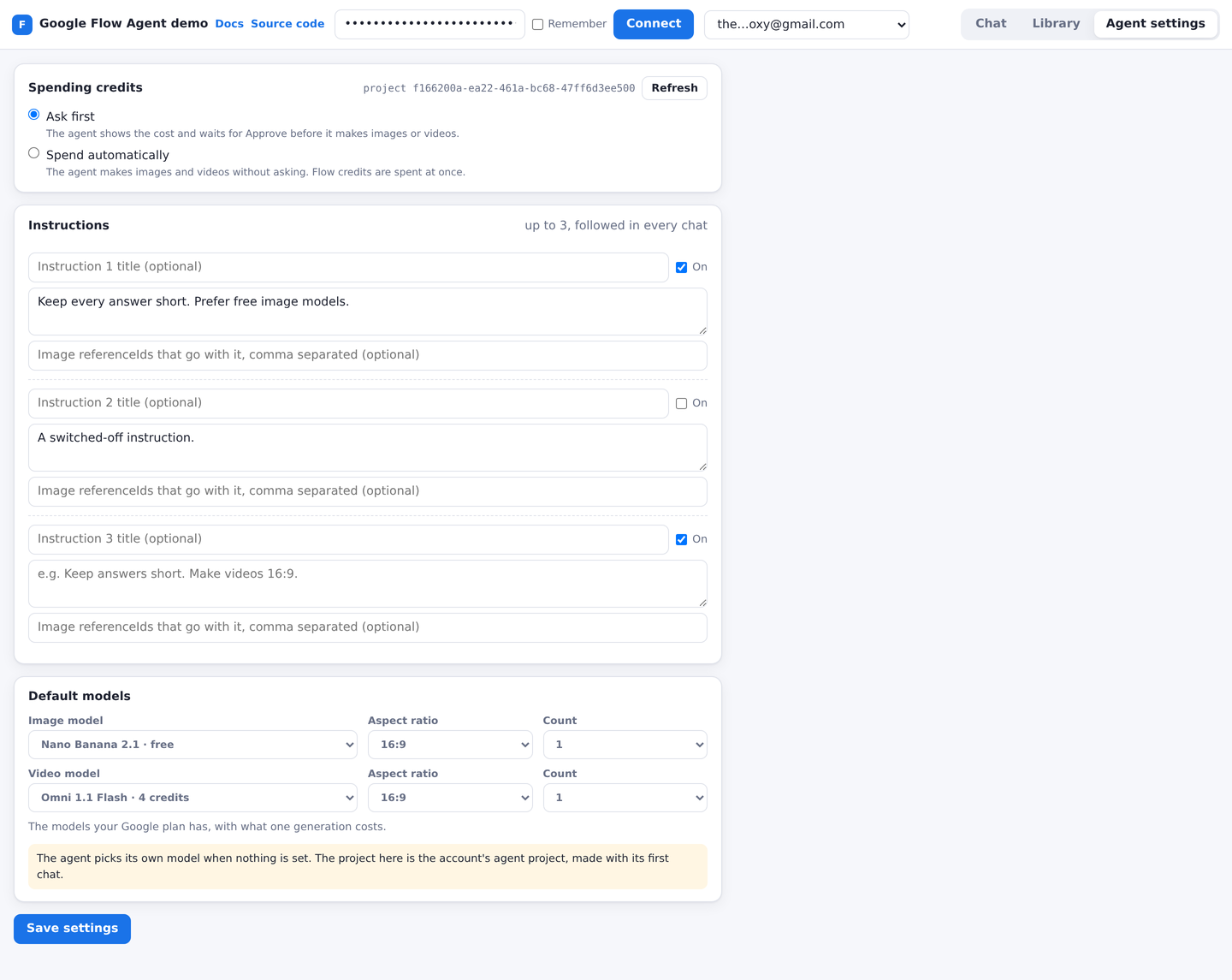
6. Agent settings: approval, instructions, and the default image and video models.
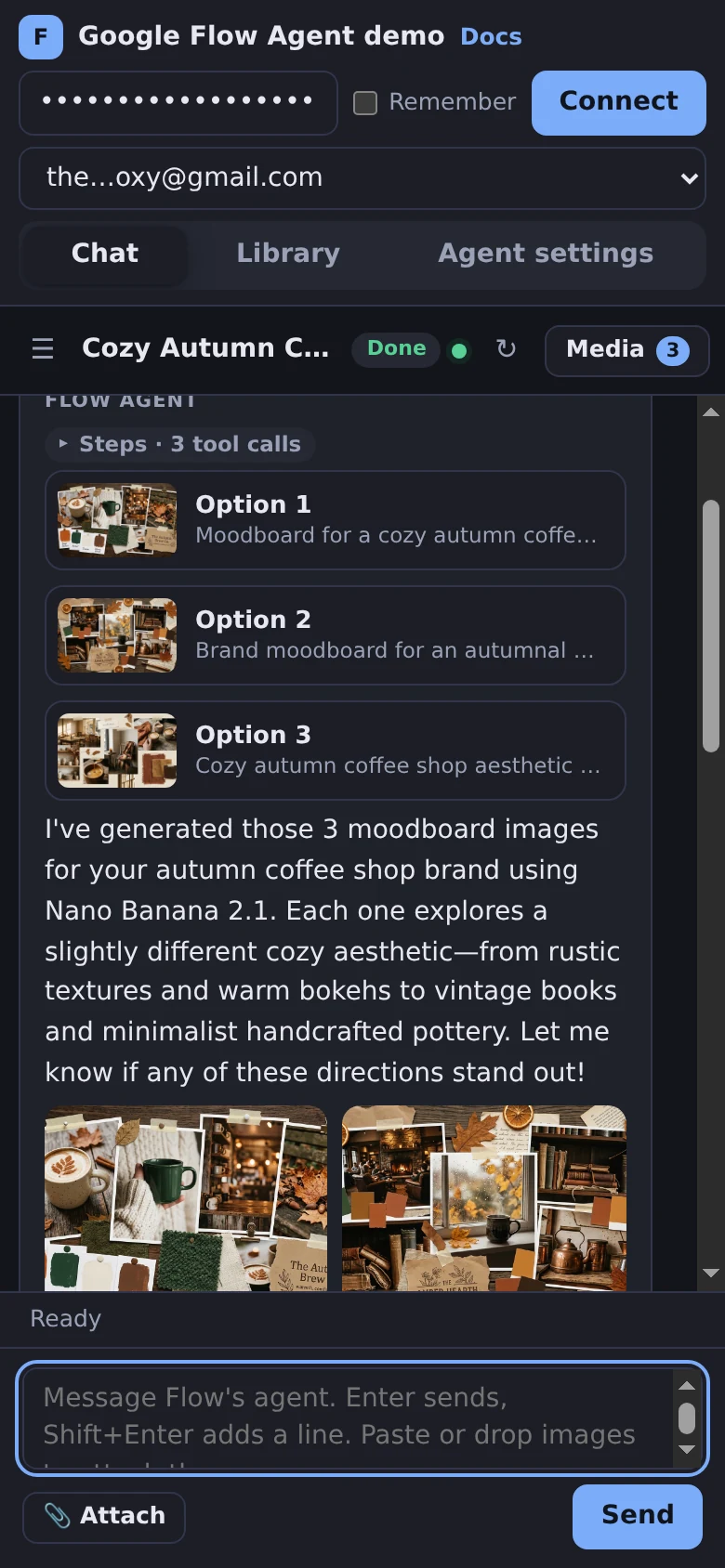
7. On a phone, in the dark theme.
What it does
- Connect lists your Google Flow accounts with GET /accounts. A new chat greets you by your Google first name, read once per account from GET /accounts/
email, and offers 3 starter cards picked at random from Flow’s own 14, such as Brainstorm with me and Develop a storyboard. Clicking a card sends its label as your first message. - Chat streams the agent’s answer live with GET /agent/chats/
chatId/stream and resumes withLast-Event-IDafter a drop. It starts chats with POST /agent/chats, sends the next message with POST /agent/chats/chatId/messages, lists chats with GET /agent/chats, opens one with GET /agent/chats/chatId, renames it with PATCH /agent/chats/chatIdand deletes it with DELETE /agent/chats/chatId. The agent’s thinking and tool calls sit in a collapsed Steps toggle, and the options it offers become buttons that send your choice. - Every image and video the agent makes shows inline, with its status while a video is queued. Click one to open it full size. Download saves it, and Use in next message attaches it to what you write next. An expired link is renewed with GET /assets/
referenceId. - The Attach menu uploads images from disk with POST /assets/
email, and picks earlier images and videos with GET /assets/media/email, characters with GET /characters and voices with GET /voices. You can also drop or paste images. Each attachment gets its@referenceImage_1style name to@-mention in your message. - When the agent asks before it spends credits, a card shows the cost with Approve, Always approve and Reject, sent with POST /agent/chats/
chatId/approval. - The Library shows the account’s images and videos project by project, the main project or the agent’s own, with previews, upload, download and delete with DELETE /assets/
email. - Agent settings reads and saves the approval mode, up to 3 instructions and the default image and video models with GET and PUT /agent/settings. The model lists come from the models the account’s Google plan has, with what its cheapest generation costs.